Create YouTube Thumbnails with AI
Stop struggling with Photoshop. Upload your face, pick a style, and generate high click-through YouTube thumbnails in seconds.
auto_awesome Generate Now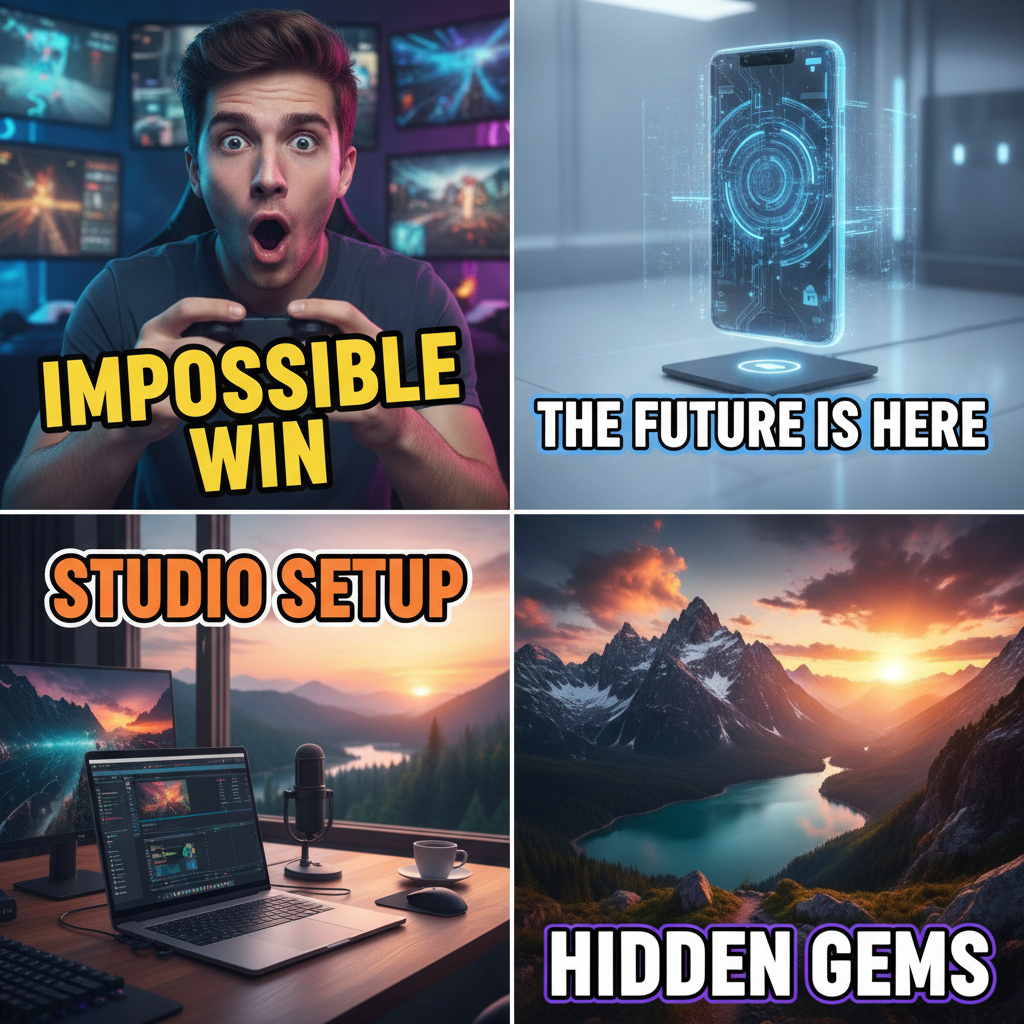
verified 3 free thumbnails per day, no watermark, no account needed
Generating your thumbnails...
This usually takes 10 to 30 seconds.
Your generated thumbnails
Legible text, not gibberish
Add your headline and the generator renders those exact words on the thumbnail. The hardest part of AI image text, handled.
Right size for YouTube
Every thumbnail is 16:9 at high resolution, ready to upload. No cropping, no upscaling.
Free, no watermark
3 generations a day at 2 variants each, free, with nothing stamped on top. Pro unlocks 4 variants and a higher daily limit.
How it works
- 1. Describe your video, optionally upload your face, and type the headline you want on the thumbnail.
- 2. Pick a style and hit Generate.
- 3. Download the variant you like best, full resolution, no watermark.
Frequently asked questions
Is the AI thumbnail maker free?
Yes. Free users get 3 thumbnail generations per day at 2 variants each, with no watermark. VidClean Pro raises that to 4 variants per generation and a higher daily limit.
What size are the thumbnails?
Every thumbnail is generated in 16:9, the standard YouTube aspect ratio, at high resolution suitable for upload.
Can it put text on the thumbnail?
Yes. Add your headline in the "Big text" field and the generator renders those exact words on the thumbnail.
Also try: Remove Background at vidclean.net/remove-background